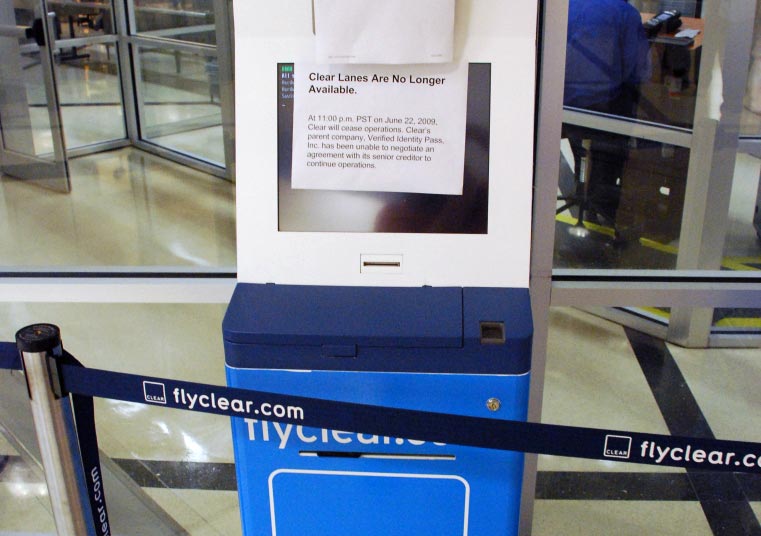
FlyClear.com is now ClearMe.com
FlyClear was the first version of the Registered Traveler Program that is now operating as CLEAR on ClearMe.com.
The program was operated by Verified Identity Pass and reached over 200,000 members before it ceased operations on June 22, 2009.
In 2008 a security breach of member private data occurred and subsequently created several issues for the program such as bad PR, legal expenses, and some loss of confidence from its members.
After the program shut down in 2009, Alclear LLC later purchased the company and restored operations with past membership agreements intact.
The benefits originally listed on FlyClear.com were as follows:
Clear members do not waste time in airport security lines. They are in control of their time and their schedule.
- Get through security faster, in under four minutes.
- Don’t worry about unpredictably long lines.
- Access a designated security lane with special benefits.
- Allow our attendants and concierges to help you as you go through the Clear lane.
- Use your Clear card at airports nationwide.